

How to Synchronize Salesforce Configurations Across Multiple Orgs
Salesforce multi org management becomes increasingly complex as organizations grow. Teams often operate across multiple environments, including production orgs, sandboxes, and customer-specific orgs. Over time, these environments begin to diverge.
This problem is known as configuration drift — when the same Salesforce setup behaves differently across environments due to inconsistent updates. Without a clear Salesforce multi org management strategy, configuration drift leads to broken workflows, inconsistent user experiences, and increased operational risk.
Understanding how to synchronize Salesforce configurations across multiple orgs is essential for maintaining stable and scalable CRM systems.
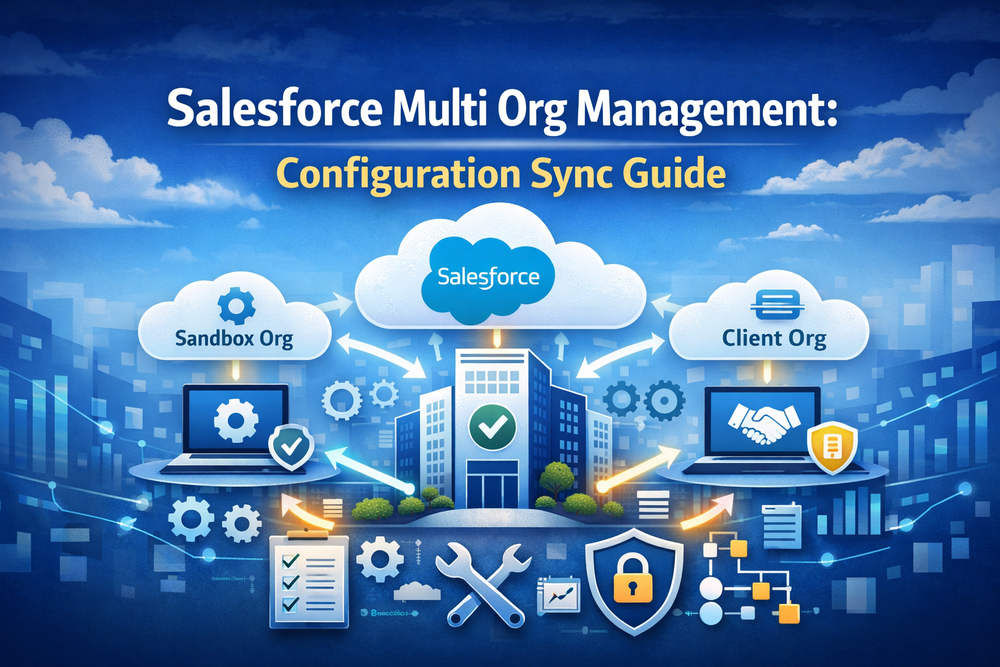
Salesforce Multi Org Management Challenges and Inconsistency
Most organizations do not intentionally create inconsistency. It happens naturally over time.
Common causes include:
- different teams making changes independently
- manual updates in production
- incomplete deployment processes
- environment-specific customizations
- lack of centralized governance
Even when teams follow structured release processes, small differences accumulate across environments. Over time, these differences lead to unpredictable system behavior.
Configuration Drift in Salesforce Multi Org Management
Configuration drift occurs when multiple Salesforce orgs that should be identical start to diverge.
Typical examples include:
- page layouts differ between orgs
- picklist values are not aligned
- permissions vary across environments
- reports show inconsistent data
- automation behaves differently
Same configuration → different behavior across orgs.
This creates serious challenges for release management and system reliability.
Common Salesforce Multi Org Management Problems
When configurations are not synchronized, organizations face multiple issues:
- inconsistent user interfaces across environments
- broken or unreliable workflows
- incorrect reporting and analytics
- increased support requests
- higher risk during releases
These problems become more severe as the number of orgs increases.
Why Manual Salesforce Multi Org Management Does Not Scale
Manual updates may work when managing a small number of orgs. However, this approach quickly breaks down at scale.
Example:
- 5 orgs → manageable manually
- 20 orgs → time-consuming
- 100+ orgs → operationally unsustainable
Manual synchronization introduces:
- human errors
- incomplete updates
- lack of visibility
- no repeatable process
As a result, teams spend more time fixing inconsistencies than delivering new features.
What to Sync in Salesforce Multi Org Management
To maintain consistency, organizations must synchronize key configuration components.
Page Layouts
User interfaces must remain consistent to ensure predictable workflows.
Picklists
Differences in picklist values can break automation and reporting logic.
Profiles and Permissions
Security and access control must align across environments.
Reports and Dashboards
Reporting inconsistencies can lead to incorrect business decisions.
Automation and Business Logic
Flows, rules, and scripts must behave consistently across orgs.
Salesforce Multi Org Management Best Practices
Effective Salesforce multi org management requires structured governance.
Key best practices include:
- defining a single source of truth
- using controlled release processes
- implementing validation before rollout
- maintaining documentation
- automating repetitive operations
Salesforce provides architectural guidance through its Well-Architected Framework
Automating Salesforce Multi Org Management
To solve configuration drift at scale, organizations need automation.
Instead of manually updating each org, teams can:
- define repeatable update processes
- validate changes before execution
- apply updates across multiple orgs simultaneously
- track execution results
This approach is often referred to as release operations automation.
Automating Salesforce Configuration Sync with ZuppIO
This is where ZuppIO becomes relevant.
ZuppIO is a platform designed to automate Salesforce post-deployment operations and multi-org synchronization.
It allows teams to:
- define a source org as the reference
- apply updates across multiple target orgs
- create jobs with structured steps
- validate changes before execution
- execute configuration updates at scale
Typical use cases include:
- synchronizing page layouts
- updating picklists
- aligning profiles and permissions
- executing Apex scripts across environments
How Success Craft Helps Manage Salesforce Multi Org Management
At Success Craft, multi-org Salesforce environments are treated as both an architectural and operational challenge.
Success Craft helps organizations:
- design scalable Salesforce architectures
- implement multi-org management strategies
- optimize release processes
- automate configuration synchronization
- integrate tools like ZuppIO into delivery workflows
Salesforce Multi Org Management Summary
Managing multiple Salesforce orgs is not the problem. The real challenge is keeping them consistent.
Without synchronization, configuration drift leads to instability, operational complexity, and increased release risk. Manual processes cannot scale with growing environments.
By combining structured governance with automation, organizations can ensure consistent configurations, reliable releases, and scalable Salesforce operations.
What is Salesforce multi org management?
Salesforce multi org management is the practice of managing multiple Salesforce environments while maintaining consistency across configurations, data, and processes. It is commonly used by enterprises, ISVs, and consulting teams that operate across production, sandbox, and customer orgs. Effective multi org management ensures stable releases and a consistent user experience.
What is Salesforce multi org management?
Salesforce multi org management is the practice of managing multiple Salesforce environments while maintaining consistency across configurations, data, and processes. It is commonly used by enterprises, ISVs, and consulting teams that operate across production, sandbox, and customer orgs. Effective multi org management ensures stable releases and a consistent user experience.
Why is multi org synchronization important?
Multi org synchronization is critical to ensure that all environments behave consistently. Without synchronization, teams may face broken workflows, incorrect reports, inconsistent UI, and increased operational risk. It also makes releases harder to manage and increases the likelihood of production issues.
Why does Salesforce configuration drift happen?
Configuration drift usually occurs because of manual updates, different teams working in parallel, incomplete release processes, or environment-specific changes. Over time, even small differences accumulate and lead to inconsistent system behavior across orgs.
How can Salesforce configurations be synchronized?
Salesforce configurations can be synchronized using structured release processes, governance frameworks, and automation tools. Instead of manual updates, teams should use repeatable processes that allow them to validate and apply changes across multiple environments in a controlled way.
Can Salesforce multi-org synchronization be automated?
Yes. Automation platforms like ZuppIO enable teams to synchronize configurations across multiple Salesforce orgs, validate updates before execution, and apply changes at scale. This reduces manual effort, minimizes errors, and ensures consistent environments.
What are the risks of not synchronizing Salesforce orgs?
Without proper synchronization, organizations may experience configuration drift, inconsistent user experience, broken automation, incorrect reporting, and higher release risk. Over time, this increases operational complexity and slows down development and deployment processes.