

What Is Einstein GPT in Salesforce?
Einstein GPT is Salesforce’s generative AI engine that creates content, analyzes CRM data, and automates tasks across Sales, Service, and Marketing Cloud. It uses large language models (LLMs) — Salesforce, OpenAI, Gemini, and Claude — through a secure Trust Layer to generate emails, summaries, responses, code, and recommendations inside Salesforce.
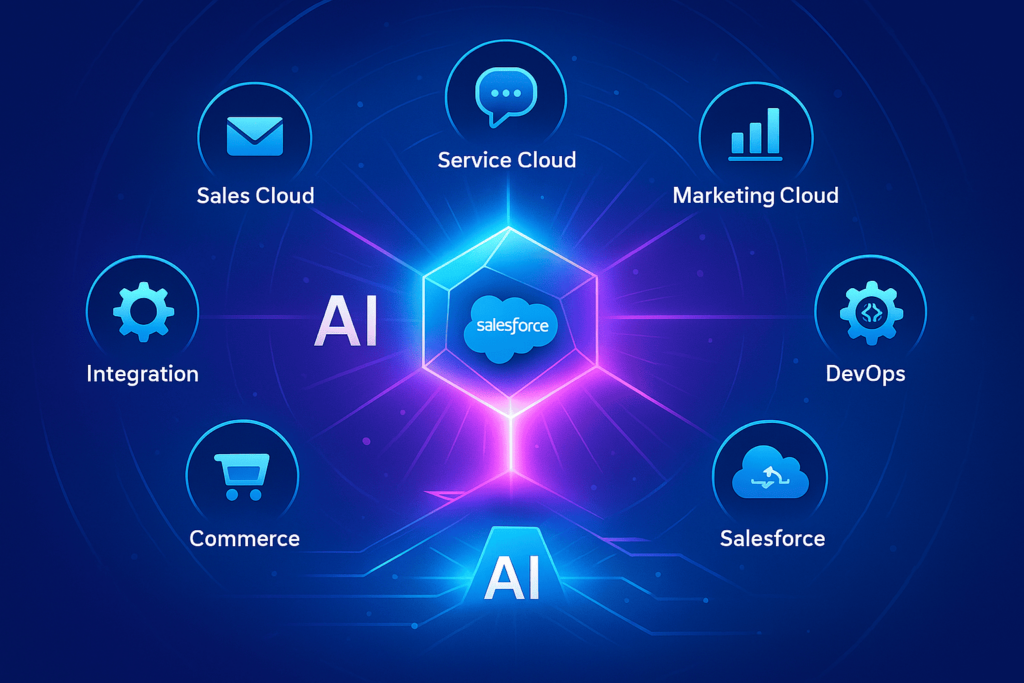
How Einstein GPT Works
Einstein GPT combines CRM data, Salesforce AI Cloud architecture, and modern LLMs.
1. Salesforce Data Layer
Contacts, leads, opportunities, cases, emails, chats, activities, products, custom objects.
2. Trust Layer (Security Core)
- Data masking & redaction
- Access policies
- Toxicity filtering
- Prompt injection protection
- Full audit logging
3. LLM Engine
Salesforce LLM, OpenAI GPT-4/4o, Google Gemini, Anthropic Claude, AWS Bedrock.
Workflow:
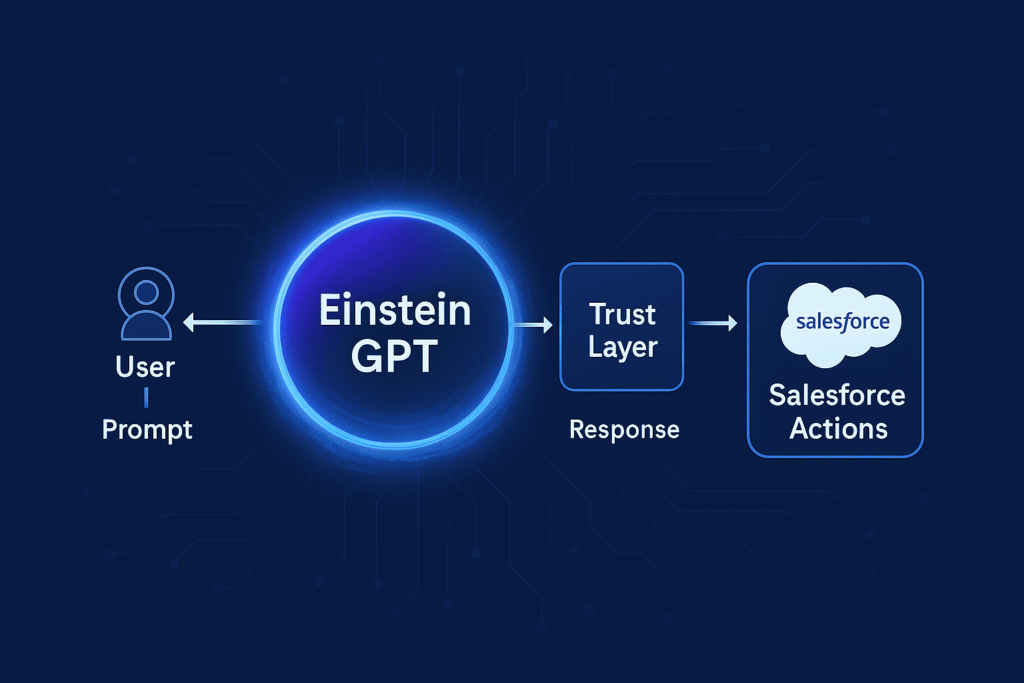
User → Prompt → Trust Layer → LLM → Response → Salesforce Action
Key Features of Einstein GPT
Sales Cloud
- Follow-up email generation
- Meeting summaries
- Opportunity insights
- Recommended next steps
Service Cloud
- AI-assisted case resolution
- Suggested replies in console
- Knowledge article creation
- Case summaries and sentiment analysis
Marketing
- Copy generation for campaigns
- Personalized content
- Audience segmentation
Developers
- Apex and LWC generation
- Code explanations
- SOQL optimization
AI Agents
Autonomous agents that perform multi-step CRM tasks.
Real Use Cases
- Auto-generated sales emails
- Instant service replies
- Summaries of calls & chats
- AI-based forecasting
- Generated Apex classes & LWC components
Einstein GPT vs Standard Salesforce Automation
| Tool | Purpose | Where AI Wins |
|---|---|---|
| Flow | Process automation | Contextual reasoning & content generation |
| Apex | Full customization | Faster code generation & optimization |
| Einstein GPT | AI reasoning + actions | Autonomy, recommendations, cross-object context |
Security & Compliance Overview
1. Data Masking & Redaction
Sensitive fields are hidden before reaching the model.
2. Zero Data Retention
External LLMs do not store or train on your data.
3. Prompt Shield & Content Safety
Protects against prompt injection and harmful output.
4. Policy-Based Access Control
Admins choose which data and actions AI may access.
5. Full Audit Logging
Every AI prompt is logged: user, record, masked fields, output.
Ensures compliance with GDPR, SOC2, ISO27001, HIPAA.
How to Start Using Einstein GPT
- Enable AI Cloud licenses.
- Configure the Trust Layer.
- Clean CRM data and validate permissions.
- Build prompt templates in Prompt Builder.
- Select your LLM (Salesforce / GPT / Gemini / Claude).
- Launch a pilot → train teams → scale across orgs.
Success Craft Expertise
Success Craft helps organizations build real AI value on Salesforce:
- AI Cloud implementation
- Integrations with OpenAI, Gemini, Claude, Bedrock
- AI Agents for Sales, Support & Operations
- AI middleware on Heroku/AWS
- eCommerce AI analytics (Shopify, Magento)
- AI-enabled ISV managed package development
- Enterprise-grade Trust Layer and security setup
We turn Einstein GPT into a practical, secure, high-impact AI solution.
Conclusion
Einstein GPT enhances Salesforce with secure AI-driven content generation, reasoning, and automation. With strong data preparation and the right architecture, companies can transform workflows across sales, service, and marketing.
Success Craft supports enterprises in implementing Einstein GPT and building custom AI solutions that deliver measurable business results.
Mini-FAQ
Is Einstein GPT free in Salesforce?
No. AI Cloud and Einstein functionalities require paid licensing.
Can Einstein GPT work with OpenAI, Gemini, or Claude?
Yes. Salesforce AI Cloud can securely route prompts to external LLMs.
Can Einstein GPT automate actions inside Salesforce?
Yes — it can update fields, create records, generate notes, or launch Flows.
Is Einstein GPT safe for sensitive CRM data?
Yes — with properly configured Trust Layer rules and policies.